Direct answer: define the room states and user rules before choosing hardware
A useful booking and occupancy brief should settle the calendar platform, resource-account structure, room names, panel functions, check-in and release rules, ad-hoc booking, occupancy signals, privacy settings, accessibility, mounting, power and data, network ownership, licensing, support, monitoring and fallback when a device or service is unavailable. It should distinguish reserved, available, occupied, checked-in and out-of-service states. Current Microsoft and Zoom documentation shows that features depend on device, software, licence and configuration. Procurement should follow the agreed operating model rather than allowing a particular panel to define workplace policy by default.
Map the user journeys and exceptions
Trace how an employee finds a room, books in advance, makes an ad-hoc reservation, checks in, extends or ends a meeting and reports a fault. Then test exceptions: the organiser is late, the room is occupied without a booking, a booked room is empty, the panel is offline, the sensor is blocked, or a visitor cannot use the corporate calendar. Decide which actions are allowed at the panel and which belong in the calendar application. Keep rules consistent across rooms where possible; users lose confidence quickly when identical-looking panels behave differently.
Separate reservation data from occupancy data
A reservation shows calendar intent. Occupancy may be inferred from a supported sensor, a room device in use or another platform signal. Microsoft documents that Teams panels can show occupied state using paired room-device and sensor signals, subject to supported versions, licences and settings. Zoom likewise distinguishes occupancy status from booked and available states in supported configurations. The brief should define which signal is authoritative for each action and what happens when data conflicts. Do not assume sensing is perfectly accurate or use it for employee monitoring without a separate legal, privacy and governance review.
Decide what the corridor may display
Define whether the panel shows room name, capacity, equipment, availability, organiser, meeting title or only a privacy-safe status. The UAE’s official data-protection overview describes a federal framework for protecting personal data and privacy. The organisation’s legal, information-security and HR teams should determine whether booking and occupancy data is personal data in the proposed use, the lawful basis, retention, access and notice. This article does not provide legal advice. A conservative display can show availability without exposing sensitive meeting subjects, client names or attendee information in a public corridor.
Planning example
Planning example: an office has ten meeting rooms and frequent complaints about ghost bookings. The proposed brief enables check-in, releases a reservation after an approved grace period, permits short ad-hoc bookings and displays only room name, capacity and availability outside the room. Occupancy signals prevent a walk-up user from entering a room that is physically in use but not reserved. Two rooms are piloted first, with false-release incidents and support tickets recorded before wider rollout. This fictional scenario illustrates a decision process; it is not a product promise, privacy assessment or recommended policy for every workplace.
Coordinate the physical and technical interfaces
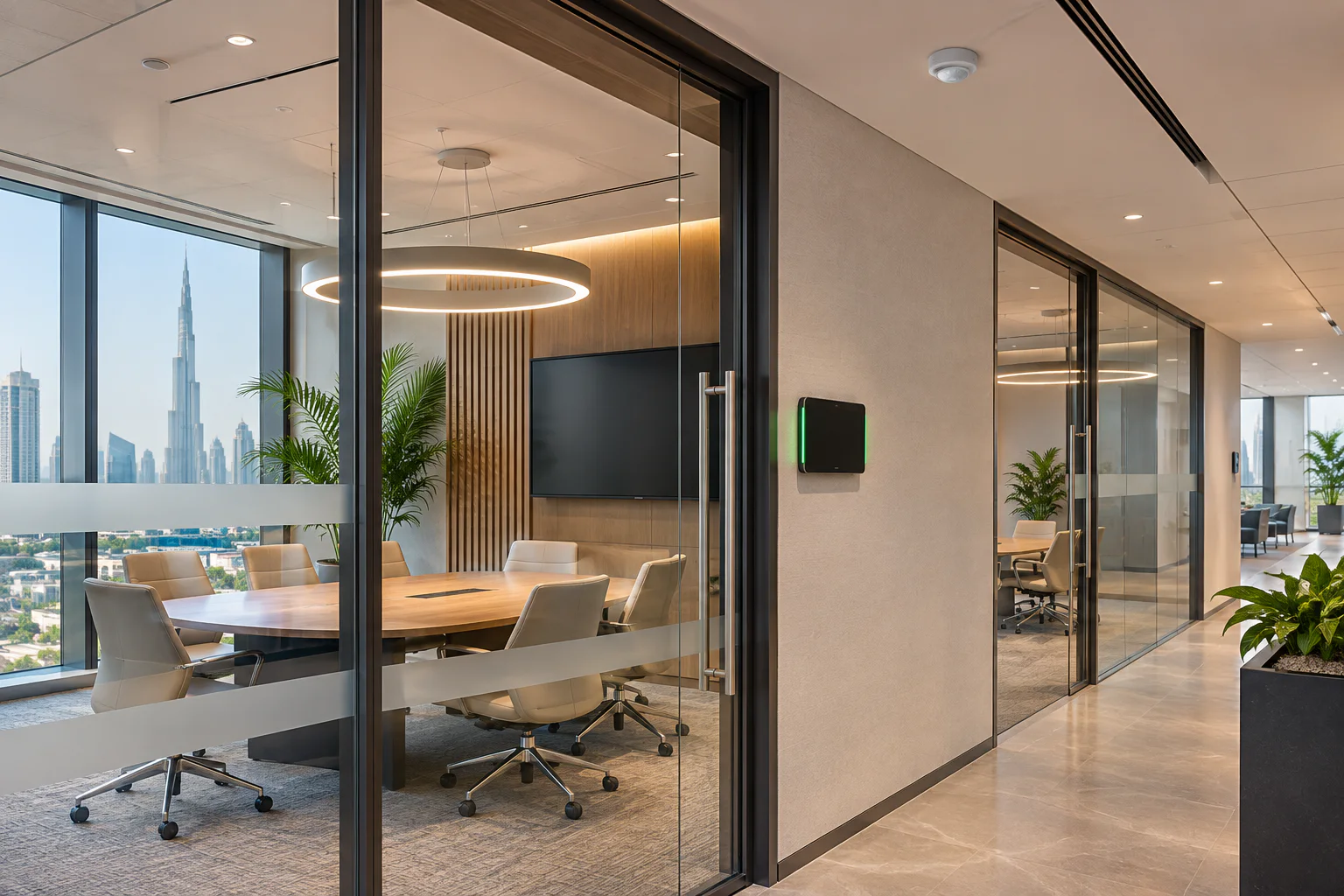
Place panels where they are visible without narrowing circulation or conflicting with door hardware, glass, access readers, signs or acoustic finishes. Confirm mounting surface, backing, power, data, cable route and future removal. Check viewing height, reach, contrast, glare and approach through the project’s accessibility review. Coordinate sensors with ceiling systems and the intended detection area. IT should confirm network, security, resource accounts, device management, software updates and support ownership. The design team should show the selected device envelope on elevations, while qualified specialists handle electrical and technology installation.
Plan a pilot and measurable acceptance test
Pilot representative rooms: small, large, frequently booked and potentially difficult for sensing. Define test cases before installation, including advance booking, walk-up booking, check-in, early release, occupied-without-booking, offline mode, privacy display and fault reporting. Measure booking conflicts, unclaimed reservations, false occupancy states and user support needs. Avoid claiming that one week proves permanent performance; behaviour changes with adoption and policy. Keep software versions, licences, settings and device references in the test record so the result can be reproduced and later changes can be diagnosed.
Checklist before procurement
Review the brief with workplace, IT, facilities, information security, legal or privacy, accessibility and user representatives. Keep platform-dependent features marked provisional until confirmed for the selected regional tenant, licence and device.
- Define available, reserved, occupied and out-of-service states
- Agree check-in, grace, extension and release rules
- Confirm calendar resources, licences and supported devices
- Select privacy-safe corridor information
- Map network, power, mounting and sensor interfaces
- Coordinate panel positions with doors, signs and access control
- Assign device management, updates and fault ownership
- Pilot representative rooms with written test cases
- Record fallback operation when panels or services fail
Limitations and governance
This framework does not approve surveillance, personal-data processing, cybersecurity, electrical work, accessibility compliance or employment policy. Those require the organisation’s responsible professionals and current legal review. Vendor features and licence requirements change, so verify the selected platform documentation at procurement and commissioning. Occupancy sensors can produce false positives or negatives, and calendar integrations can fail. Do not use room-level data to infer individual attendance or performance without explicit governance. If the organisation changes calendar platform, room naming or booking policy, reopen the brief before reusing the existing hardware.
Next step: write the state table before the equipment schedule
Create a table listing every room state, what the panel displays, what the calendar shows, what occupancy sensing contributes, which user actions are allowed and what facilities or IT staff can override. Add privacy, accessibility, room-capacity and offline requirements. Assign an owner to each configuration decision and define the evidence required at pilot acceptance, including false releases, stale status, recovery after disconnection and user-support observations. Use that state table to evaluate the shortlisted platforms and confirm regional support, licences and device compatibility. Then pilot the chosen configuration in representative rooms, record acceptance results and only release the wider procurement after the responsible teams approve the operating rules and support model.
Sources & further reading
Make this useful for your project.
A review of your property and priorities can turn general guidance into a defined brief.
Explore Workplace planningDiscuss your project